

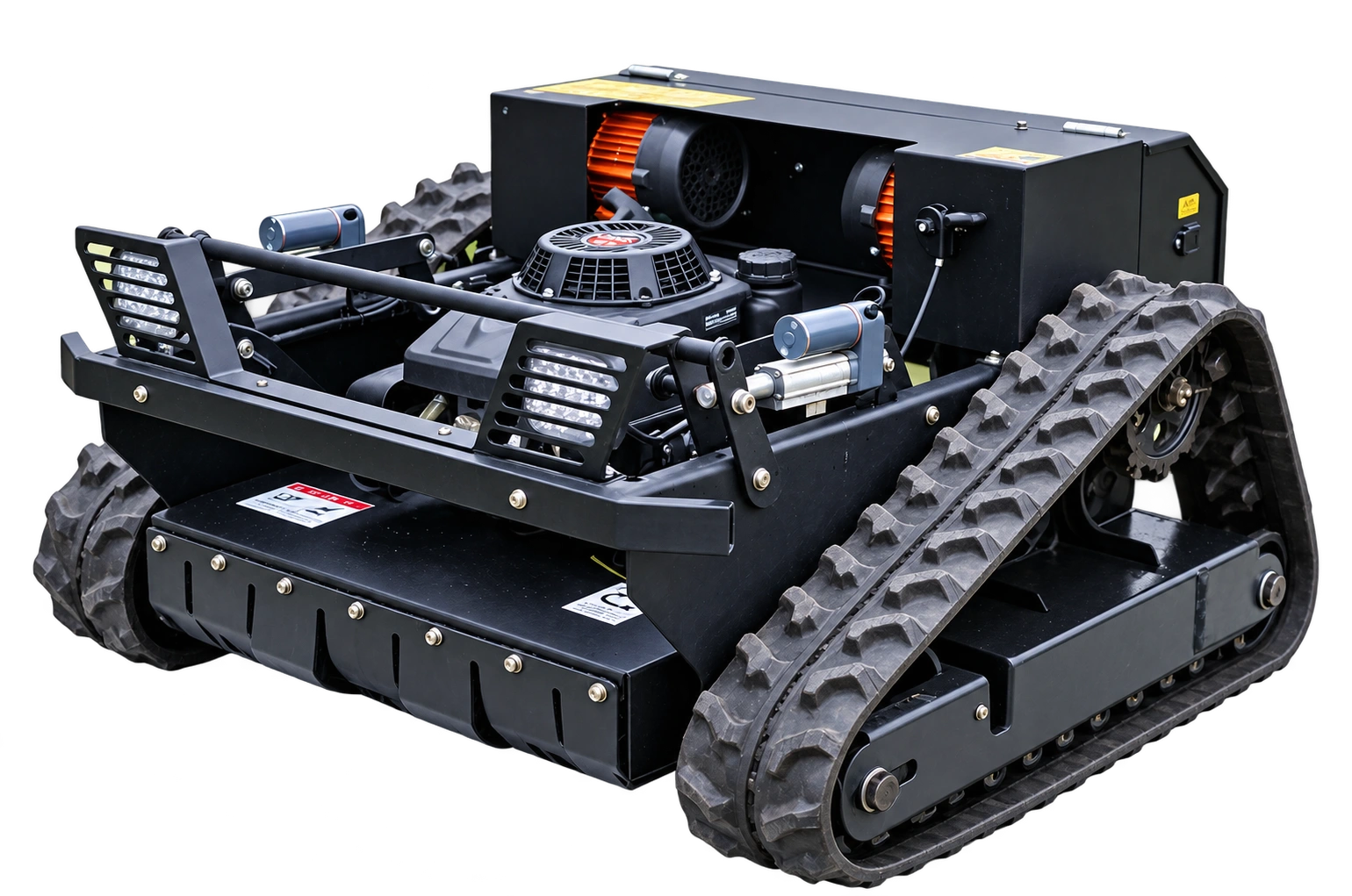
SYSTEM CONCEPT · CONFIGURATION DEPENDENT
From positioning to working routes
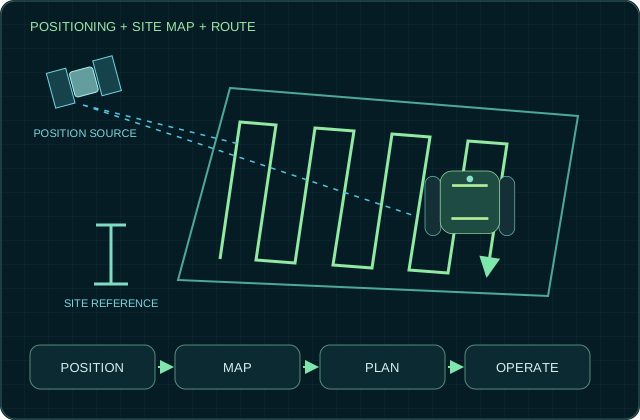
A navigation workflow connects a positioning source, a defined site and a planned route. The diagram explains those relationships without assuming a particular accuracy or a standard autonomous configuration.


Positioning, mapping and route preparation
RTK positioning and route-based work start with the actual site: sky visibility, correction coverage, boundary preparation and repeatable access. Availability depends on the selected model and configuration.
What to confirm
Record trees, buildings, signal shadows, field boundaries and route transitions. Drone mapping or GPS marking should only be included after the team confirms the workflow and supported hardware.
From requirement to validation
- Application brief — State the terrain, working conditions and desired workflow.
- Configuration review — Confirm supported equipment and interfaces by model.
- Operating limits — Record conditions, operator requirements and fault responses.
- Validation — Agree representative tests and documentation before acceptance.
Questions to review
Is this technology included with every model?
No. Confirm the specific option, version and intended use in the written product configuration.
Can I request interface or technical documentation?
Describe the model, project and integration requirement. Availability and access are reviewed by the team.